Finally stop doomscrolling. Keep your Pixel.
Kala blocks the apps and websites built to keep you coming back, from social media to gambling. On the phone you have.
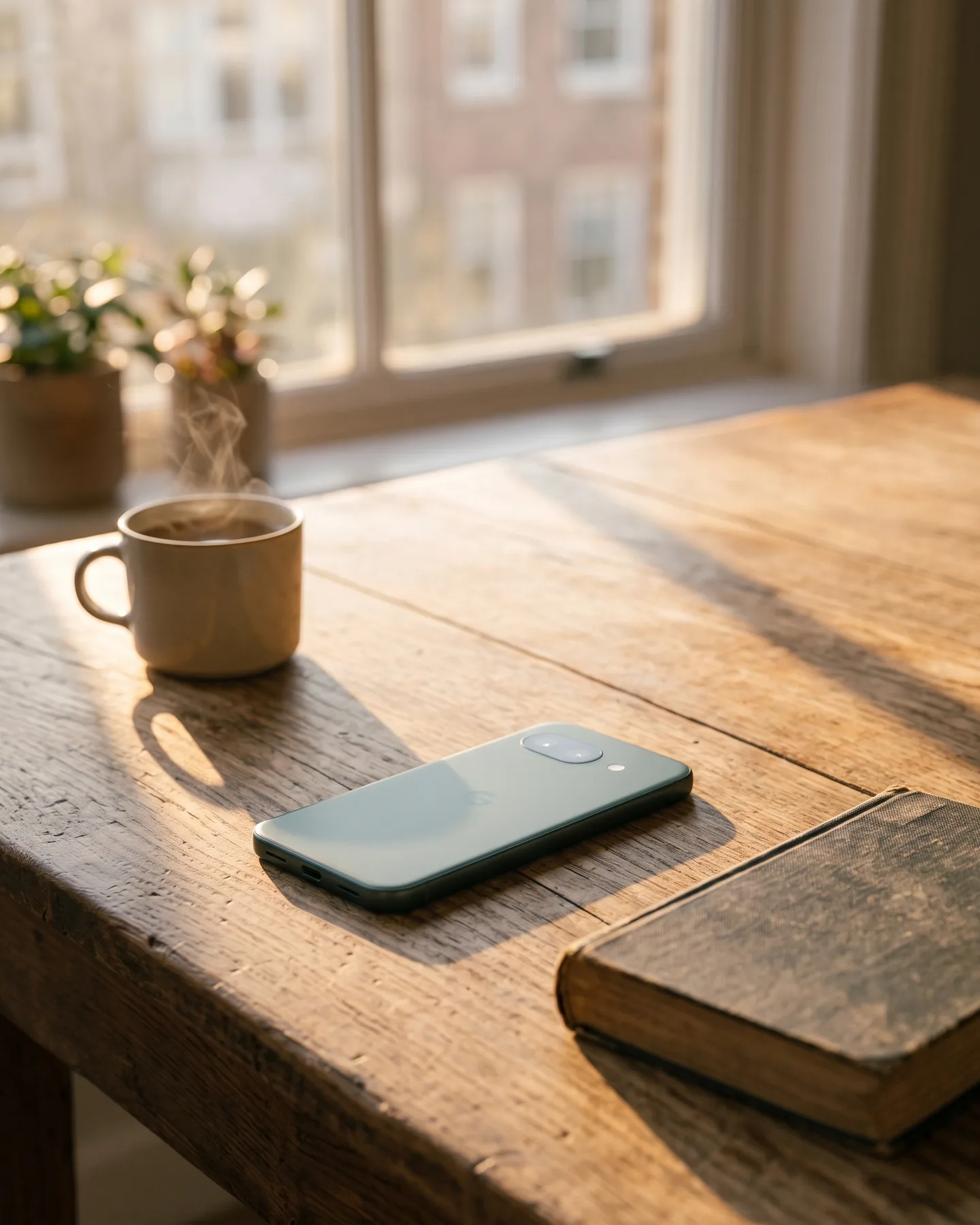
What comes back
The quiet minutes are yours again.
The wait for the kettle. The line at the store. The hour before sleep. Those minutes used to default to the feed. Now they just come back to you: for the people in the room, for the walk, for nothing at all.
One rule for every app and website
Does it end?
One test, asked of everything. Help you finish something, and it belongs. Take away every stopping point, and it does not.
A song
A drive
A chapter
The feed
The feed has no end. It is built that way on purpose.
“It’s a social-validation feedback loop … exploiting a vulnerability in human psychology.” “The inventors, creators … understood this consciously. And we did it anyway.”
Keep every app you need.










None of what uses you
Keep the web you need.
Still opens
Will it open?
Type any website. The answer comes from the same live block list every phone running Kala downloads.
On the block list
What the research says
You were never the problem.
Self-control, the story goes, is a muscle that tires out. Twenty-three laboratories tested that story on more than two thousand people, and the effect came out close to nothing. What predicts self-control instead: arranging your life so the fight never starts.
So researchers tried arranging it. In 2025, four hundred sixty-seven people who wanted to use their phones less agreed to block the mobile internet on their own phones for two weeks. Calls and texts kept working.
25.5% managed even ten of the fourteen days with the block on. The other three quarters did not run out of resolve.
They had an off switch, and a bad evening.
So we took the switch out.
The rule goes in at setup and the phone is the one that keeps it. It holds at eleven on a Sunday night. That is what the research keeps finding: a limit you can switch off tends to get switched off, and what is already set is what people live with.
The two weeks did measurable good: sustained attention, mental health, and day-to-day wellbeing all improved by a real and moderate amount, the three quarters who couldn’t keep the block on included.
Across this research the gains last while the restriction does: the case for a phone that stays this way, not a detox week.
What we don’t claim.
- That phones cause depression. The honest finding is that the link is small, and careful researchers are still arguing about it.
- That this is an addiction in the medical sense. There is no such diagnosis.
- That Kala has been studied. It hasn’t. What has been studied is what happens when the pull is taken away, and what happens when the rule is optional.
Willpower replication: Hagger et al., Perspectives on Psychological Science, 2016. Situational self-control: Duckworth, Gendler and Gross, Perspectives on Psychological Science, 2016. Mobile internet blocking trial: Castelo et al., PNAS Nexus, 2025 (n=467; wellbeing d=0.45, mental health d=0.56, sustained attention d=0.23). Defaults: Madrian and Shea, Quarterly Journal of Economics, 2001. Reversion after restriction ends: BMC Medicine, 2025.
The only-phone test
Going quiet is easy. Being your only phone is not.
The Light Phone and the Mudita do the quiet part well, and for some people that is the right answer. The hard part is being the phone you can live on: the group chat, the bank, the boarding pass, the gym door that only opens for a QR code. Kala is built to pass it. Your Pixel stays the phone you can live on.
| Your Pixel with Kala | Light Phone III | Mudita Kompakt | |
|---|---|---|---|
| Modern texting (RCS) | Yes | No, it falls back to SMS and MMS | No, it falls back to SMS and MMS |
| Your bank’s app | Yes | No | Only if you install it yourself, unsupported |
| Yes | No | Only if you install it yourself, unsupported | |
| Google Maps | Yes | No, it has its own directions tool | No, it has its own offline maps |
| Spotify and Audible | Yes | No, it plays files you load yourself | Only if you install it yourself, unsupported |
| A web browser | Yes | No | No browser app ships; one can be installed, unsupported |
| An app store | Yes, a curated one | No, only tools the maker builds itself | No, apps are installed by hand, unsupported |
| A camera | Yes, your Pixel's camera, unchanged | Yes, a single fixed lens | Yes, but no video and no selfie camera |
| Price | $99 a year | $899 | $399 |
Last updated August 6, 2026
A note from the founder
I built the fix I needed.
The honest version
Questions, answered straight.
Something that takes over your own phone should tell you where the edges are before you join.
What's behind the “does it end?” rule?
The endless apps run on a pattern behavioral science has known since the 1950s: the variable reward. You pull to refresh, and sometimes something great appears, usually nothing much, and it's the not knowing that keeps you reaching. Dopamine, it turns out, fires hardest on anticipation, on maybe, not on the reward itself. It's the same reinforcement schedule that keeps people seated at slot machines. Then the design finishes the job by removing every natural stopping point: no last page, no end of the episode, the next video already playing. None of this is accidental; when attention is the business model, the loop is the product. An app with an end never needs that machinery, so we ask one question of every app and website: does it end?
What if an app in the Kala Store still pulls at me?
Taking the feeds off the phone ends most of the fight. But maybe one app in the store is still hard for you to put down, and everyone's is different. When yours starts winning, you have four answers, each firmer than the last: take away its color, add a Second Thought before it opens, set it aside for a stretch of hours, or remove it from the phone entirely from your account. The way back gets slower at every step, on purpose, so one hard night can't undo a decision you made with a clear head.
What if I need an app that isn't in the Kala Store?
Start with the rule: if an app ends, it's welcome; if it's built to never end, it isn't. If something you need is missing, ask us. We review requests and add apps that pass.
Can I install apps from outside the Kala Store?
No, and that's on purpose. Every install starts in the Kala Store, and an app that arrives any other way won't run and doesn't stay. Setup itself uses your computer once; that door closes when setup finishes.
Is there a web browser?
Yes. Kala keeps a full browser on your phone for search, reading, recipes, travel, and the everyday web. Every site is graded by the same rule as apps: does it end? Sites engineered to never end, including social feeds, short video, adult sites, and gambling, are blocked. The web keeps changing, so the grading never stops, and the block list on every phone updates over the air.
Can I install a VPN?
No. A VPN can carry the phone's traffic around the website protections, so VPN apps aren't in the Kala Store, and neither is anything else that re-routes the connection. That includes the VPNs some workplaces require, so if your job depends on one, Kala won't work for you.
Do I need a Google account?
The one already on your Pixel is enough. Setup asks you to sign out of it before Kala takes over, and you sign back in right after.
Does tap-to-pay work?
Yes. Contactless payments work through Google Wallet, the same as on any Android phone.
Will my bank's app work?
Yes. Banking apps install from Google Play and run as they do on any Android phone. Your bank's website also opens in the browser if you prefer it.
Which phones does Kala work on?
Any Pixel 6 or newer running Android 14 or newer. You keep the phone you have: nothing ships, and nothing on it is erased. Setup runs from your computer over a USB cable. Other Android phones and iPhones are not supported. The Kala Phone is an independent product, not affiliated with, sponsored by, or endorsed by Google.
Is a subscription needed?
Yes. Kala is $99 a year, and that is the whole price: no phone to buy, no other fees. Cancel any time. Removing Kala from the phone itself takes 48 hours from your account page; a factory reset removes it right away.
Do I need a cell plan from Kala?
No. Kala never sells cell service. You keep the carrier, plan, and number you have.
What happens if I factory reset the phone?
A factory reset erases the whole phone, Kala included, and what's left is an ordinary Android phone. We will never block a reset: erasing everything you've set up is a deliberate step, so leaving that door open costs the promise nothing. Want Kala back afterward? Run setup again from your account page, same cable.

For your life. Not for the algorithm.
Time is finite. Infinite loops and infinite scrolls are not.